Templates_Report
2023 November Municipal, Rockville City, MD
Audit Engine version:'v2.32.X'
Run Date: 2026-09-09 22:09:55.614409 Copyright (c) Citizens' Oversight
Templates Report Introduction
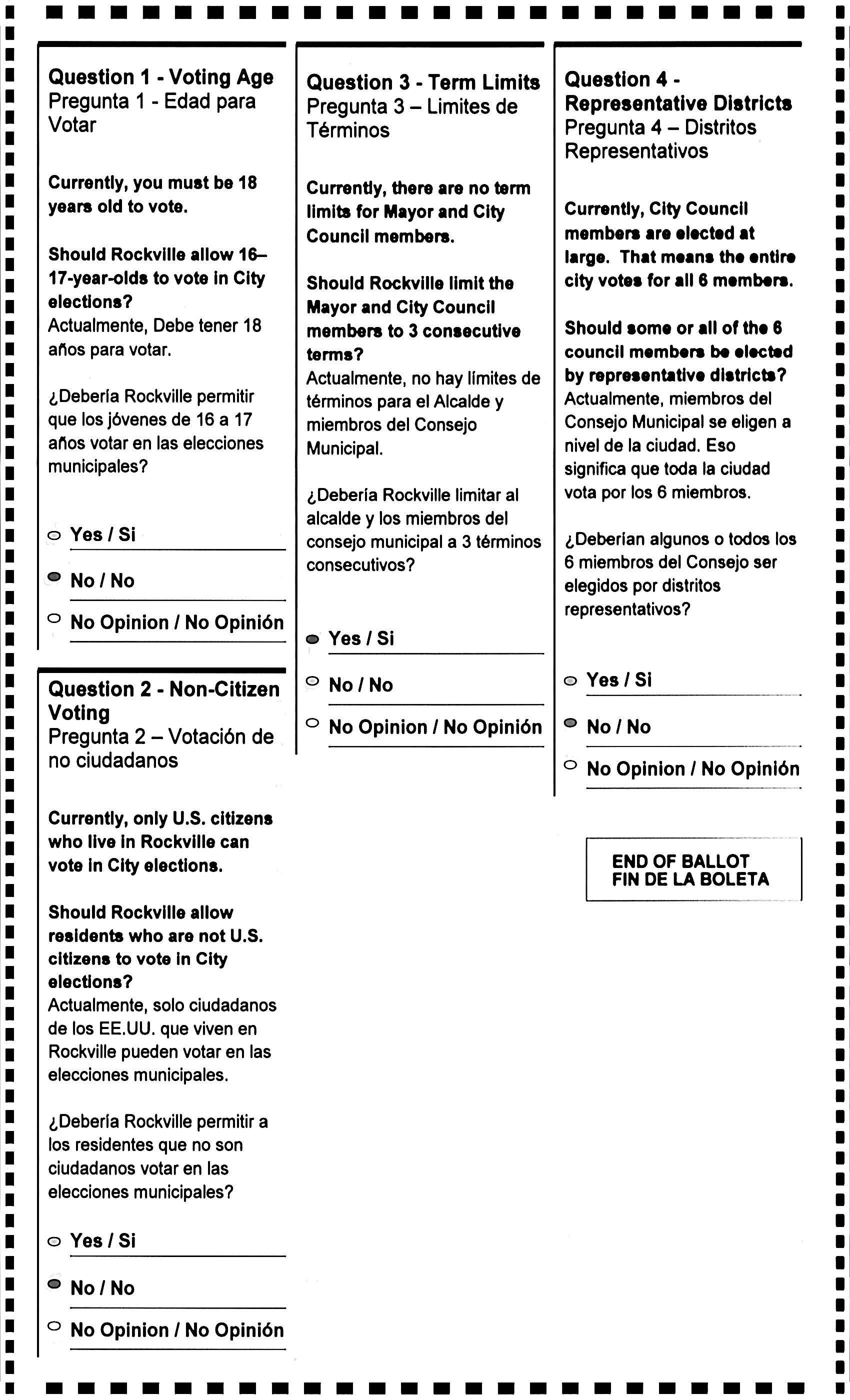
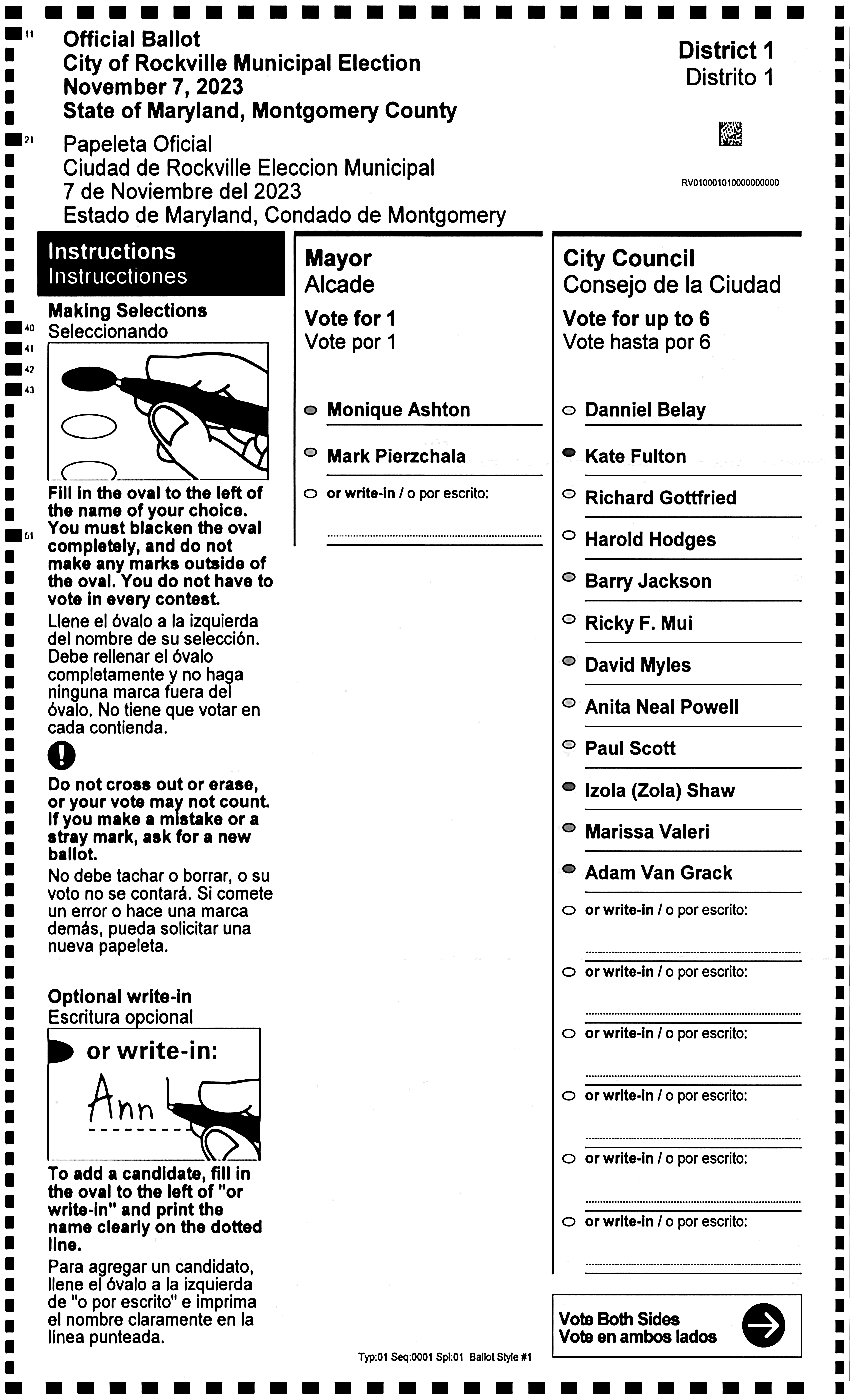
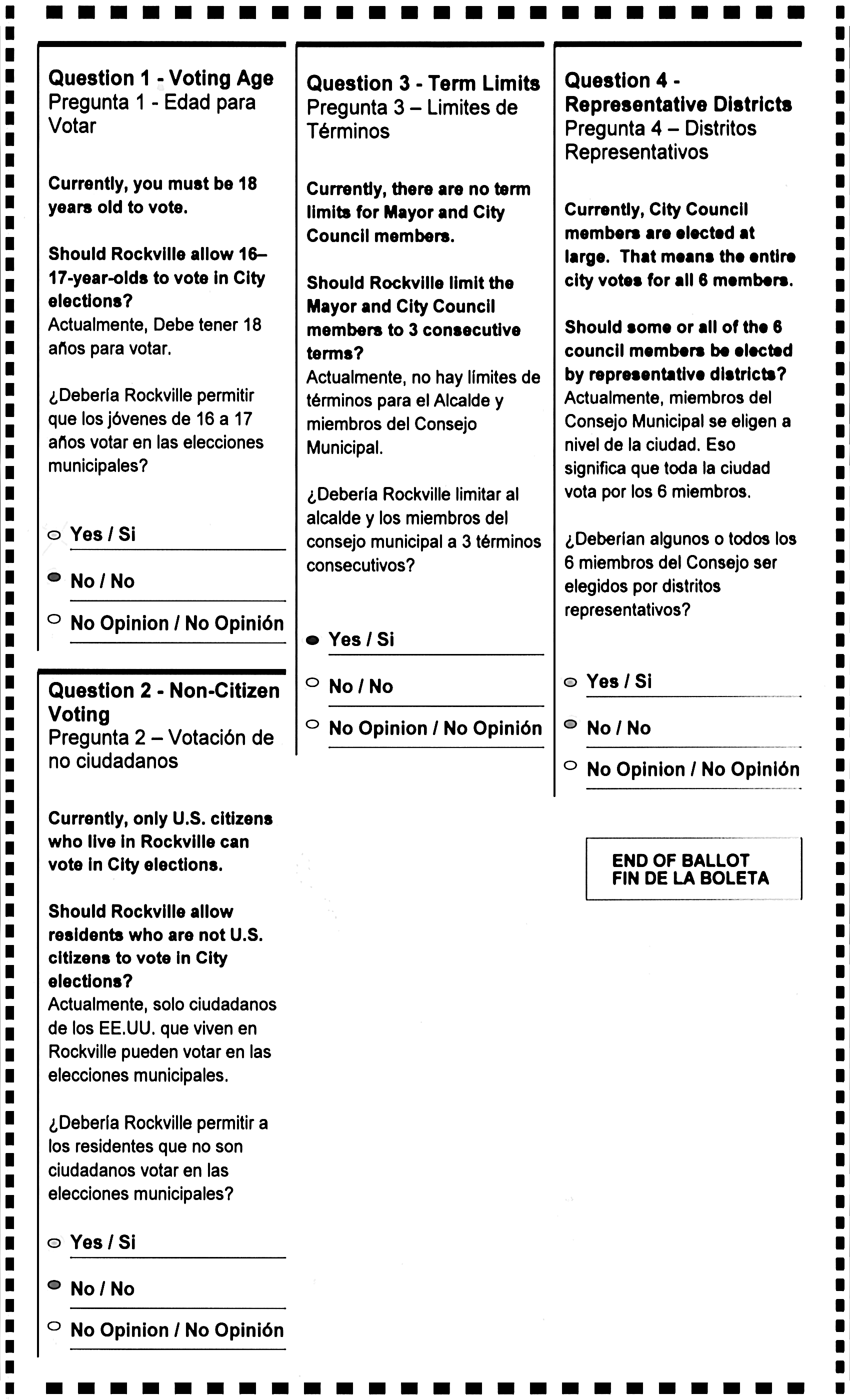
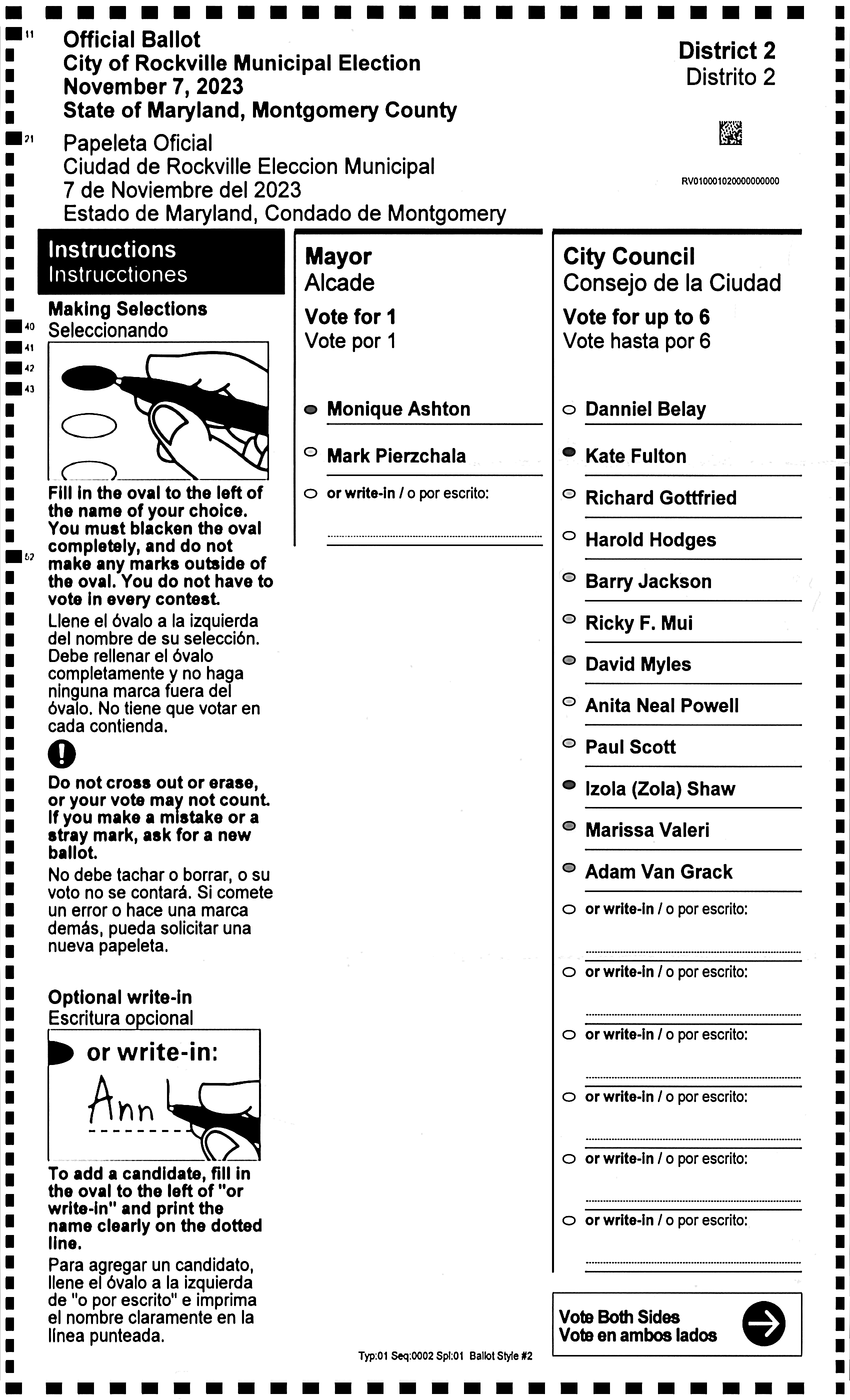
This report provides an image of every style which will be used for mapping. It is important to review this
report for any rotational or ghosting issues.
How to proof this report
- You can click immediately to the first style by clicking the style number in the first table.
- Scan over all styles and verify that they are all in correct orientation, which will be portrait
orientation even if the ballots are printedin landscape orientation.
- Review all templates that they have been aligned and cropped properly, so there are 20 pixes of margin around all the timing marks.
- Additional scrutiny is requiered for landscape ballots:
- Most importantly, review "page 2", i.e. the back of the ballot, to see that it is always rotated the
same way.
- For Dominion (Liberty Vote) ballots, the style barcode should always be in the lower left hand corner for both sides, regardless of the direction of the printed text.
- For ES&S ballots, there is no style barcode or any other hints on Page 2 that are not within the active region of the ballot, and so it will be likely that a fiducial mark will be required to be set up to be captured so the orientation can be checked and the page rotated (inverted) if needed. If oriented properly, the landscape ES&S ballots will have the "top" of the ballot along the right edge of the ballot when in
portrait orientation, and the ballot would read properly if rotated 90 degrees counter-clockwise.
- Use 'fiducial_mark_p2' to set up a mark or block of code that can serve set the orientation.
Unusual ghosting investigation
If there is any unusual ghosting of printed portions of the ballot (not hand-written information), it is possible to review
individual component ballots used for creating the templates, as follows:
-
Use the command --op gentemplates --include_style_num XXXX --save_template_ballot_images 1 -f 1 -i 1 --use_lambdas 0 to rerun generation of the templates for the specific style of concern. This will save all the component images for this style. This requires running AuditEngine locally.
-
Review these images in the folder for this template at (job_name)/styles/(style_num)
Style Summary
| index |
style_num |
precinct |
build_from_count |
build_from_ballots (links provided if 'save_template_ballot_images' is True.) |
| 1 |
01 |
1 |
50 |
45 131 165 173 430 686 864 965 1401 1402 1420 1885 2993 3129 3188 3429 3885 4001 4043 4722 4844 6177 6233 6818 6939 7201 7787 7925 8098 8262 8770 8820 8825 8853 9117 9217 10053 11221 11546 11548 11584 11650 11933 12017 12249 12331 12406 12482 12521 12609 |
Templates_Report
01
Image: 01
01
Image: 01
02
Image: 02
02
Image: 02
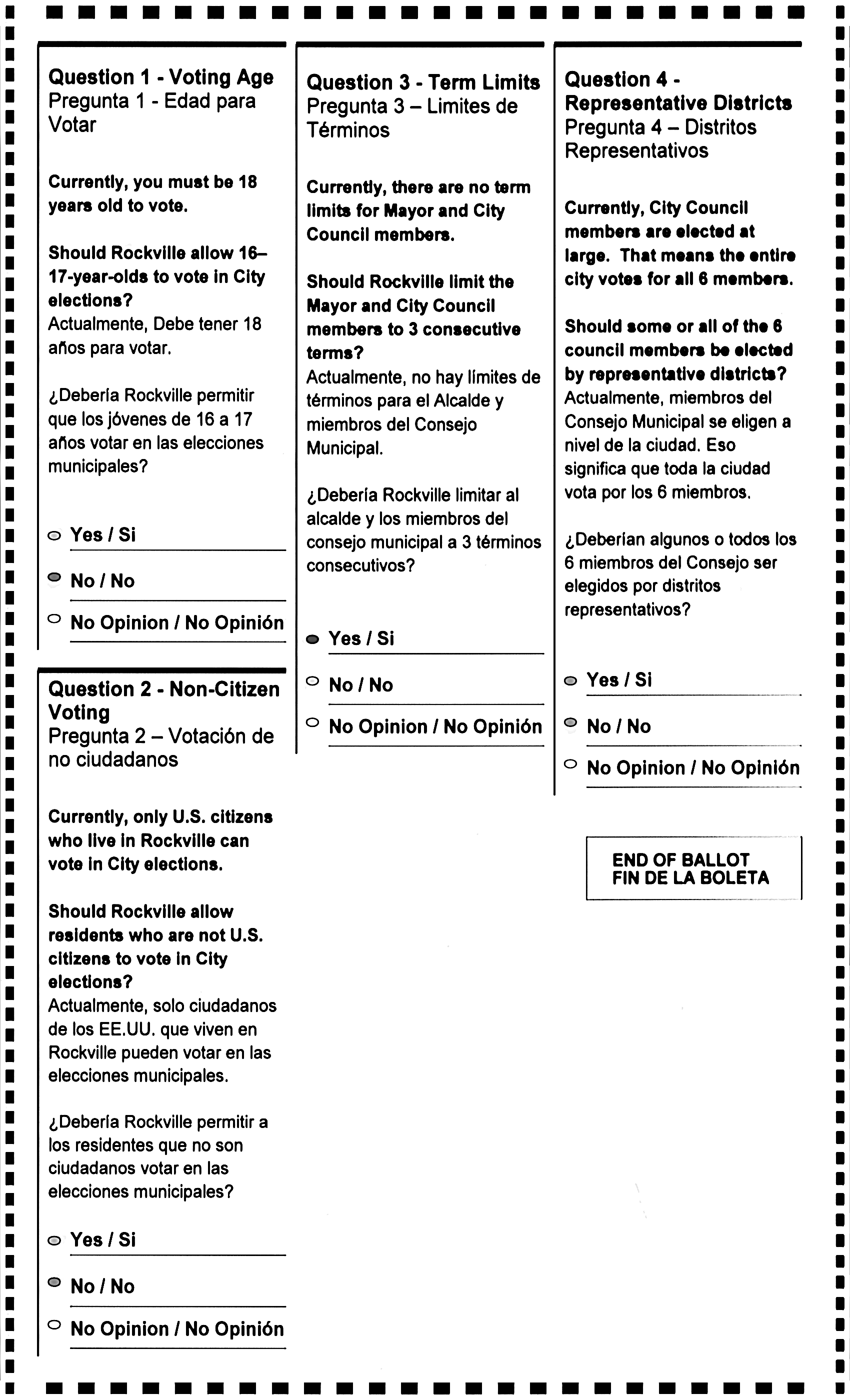
03
Image: 03
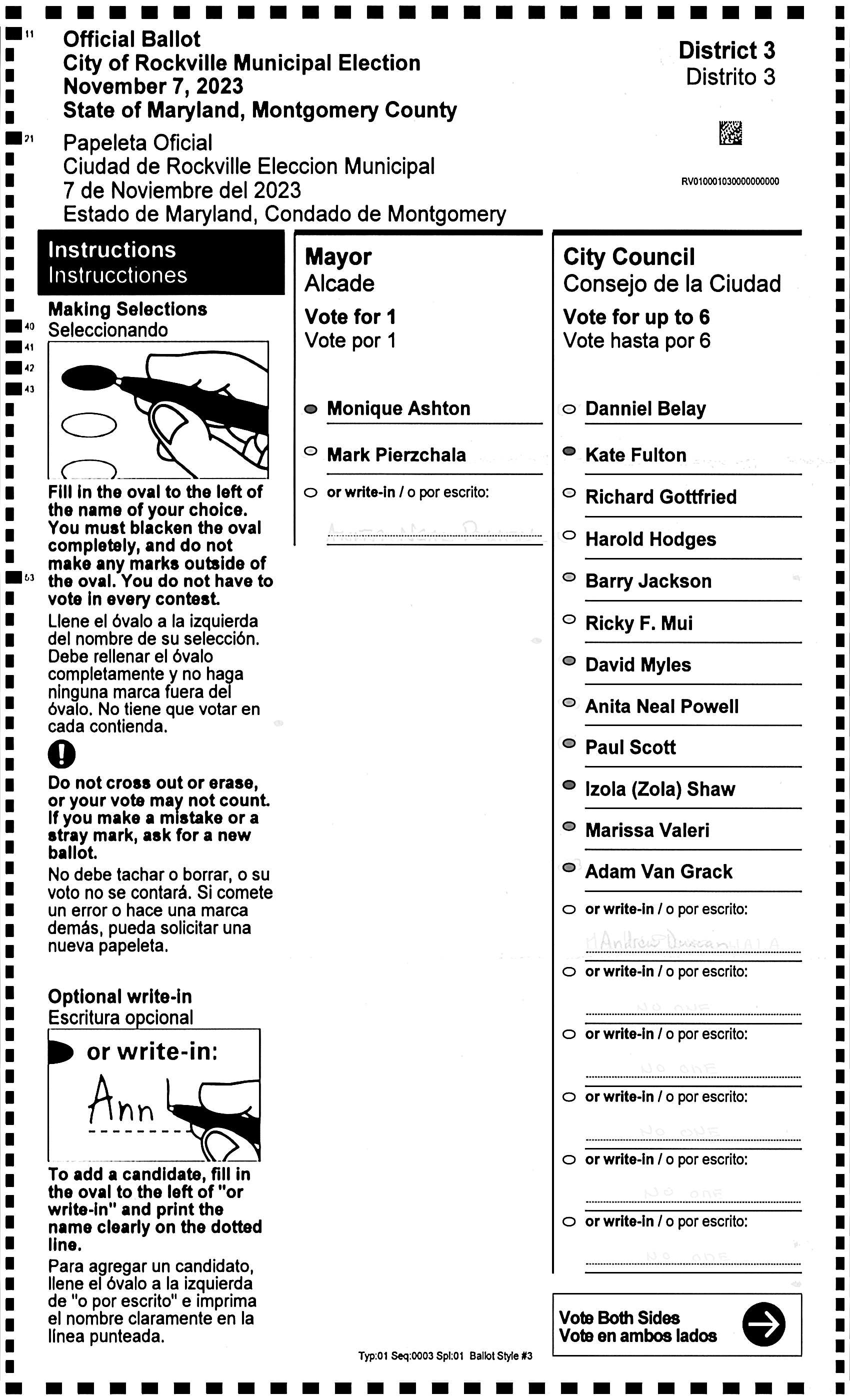
03
Image: 03
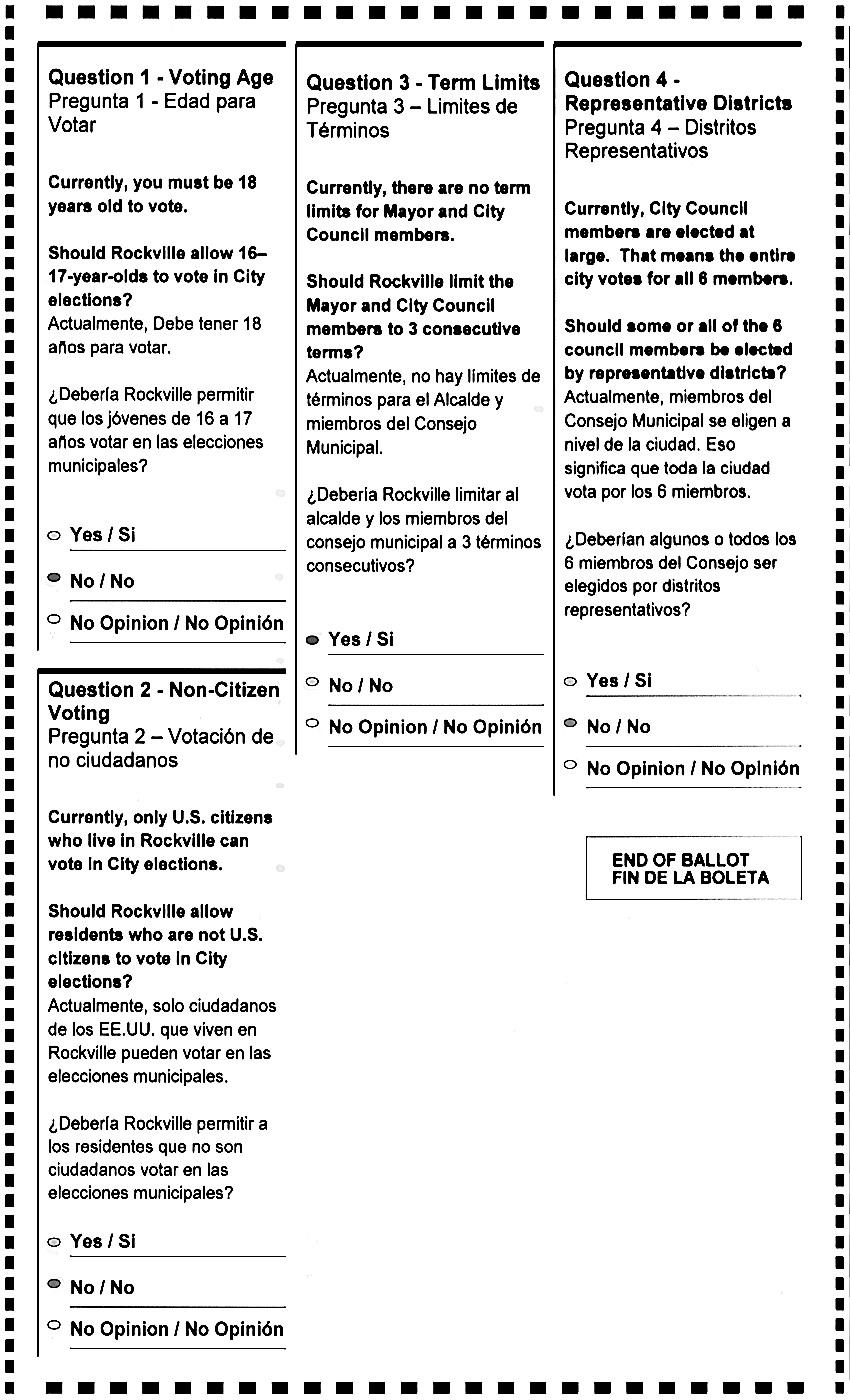
04
Image: 04
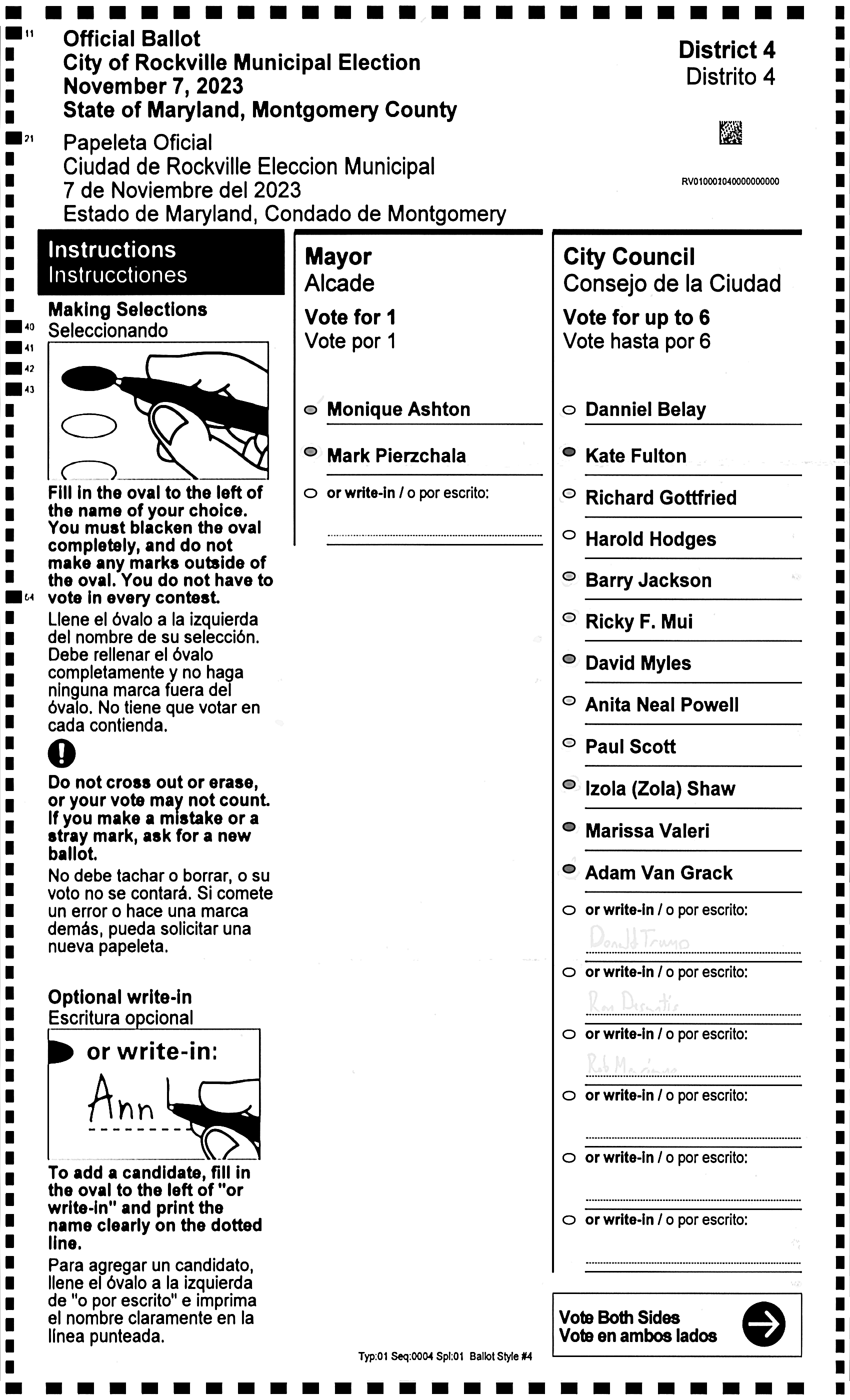
04
Image: 04
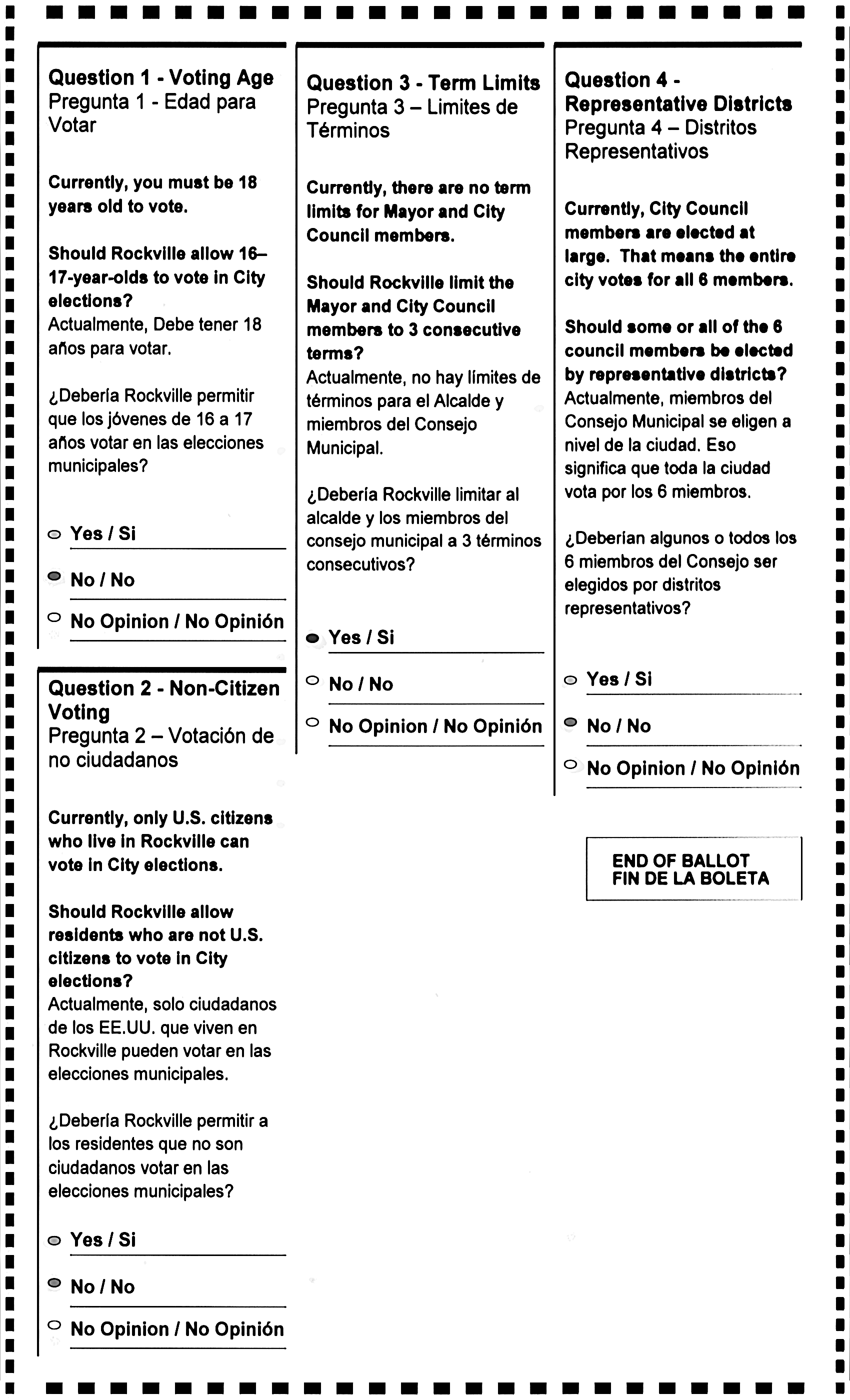
05
Image: 05
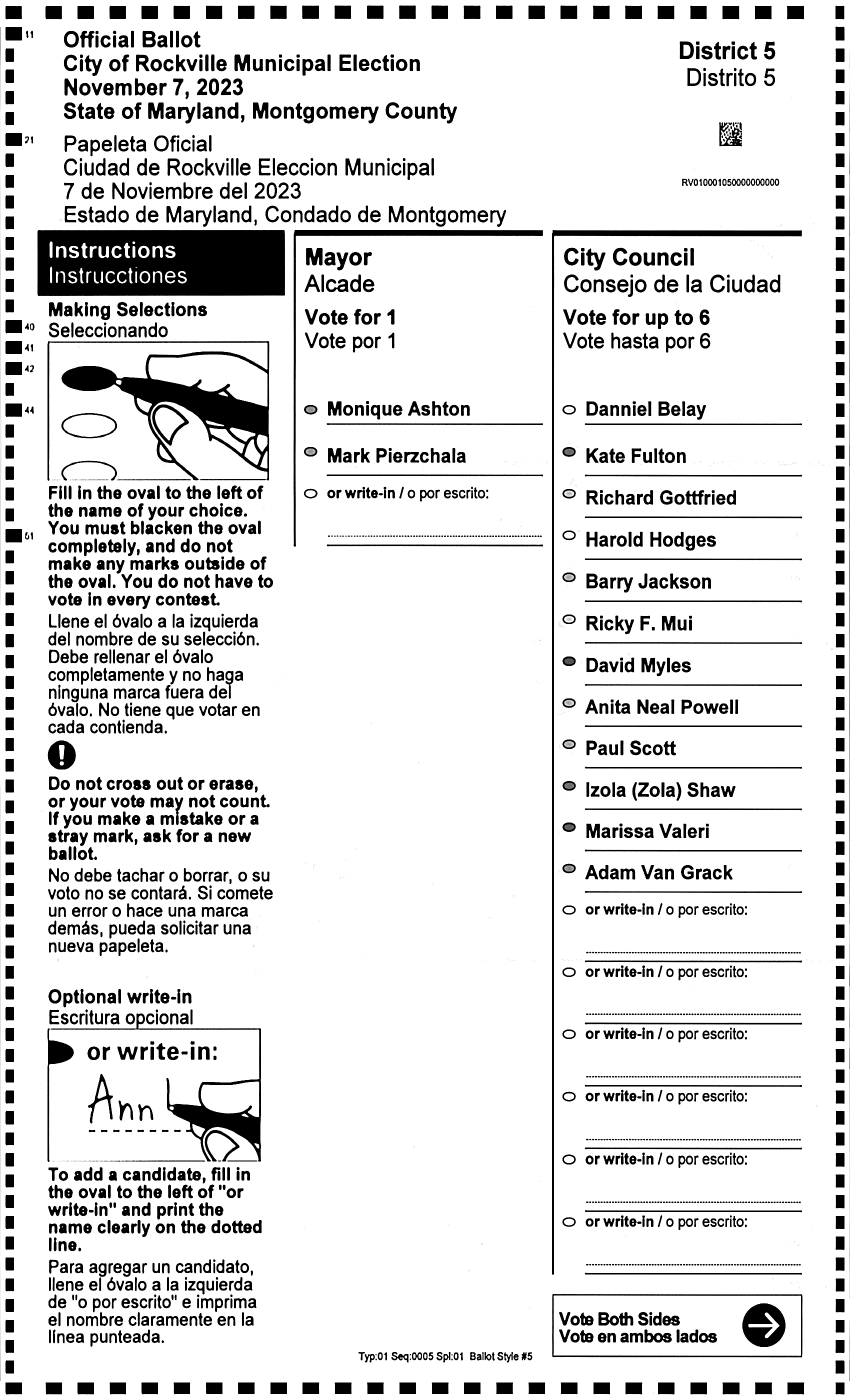
05
Image: 05
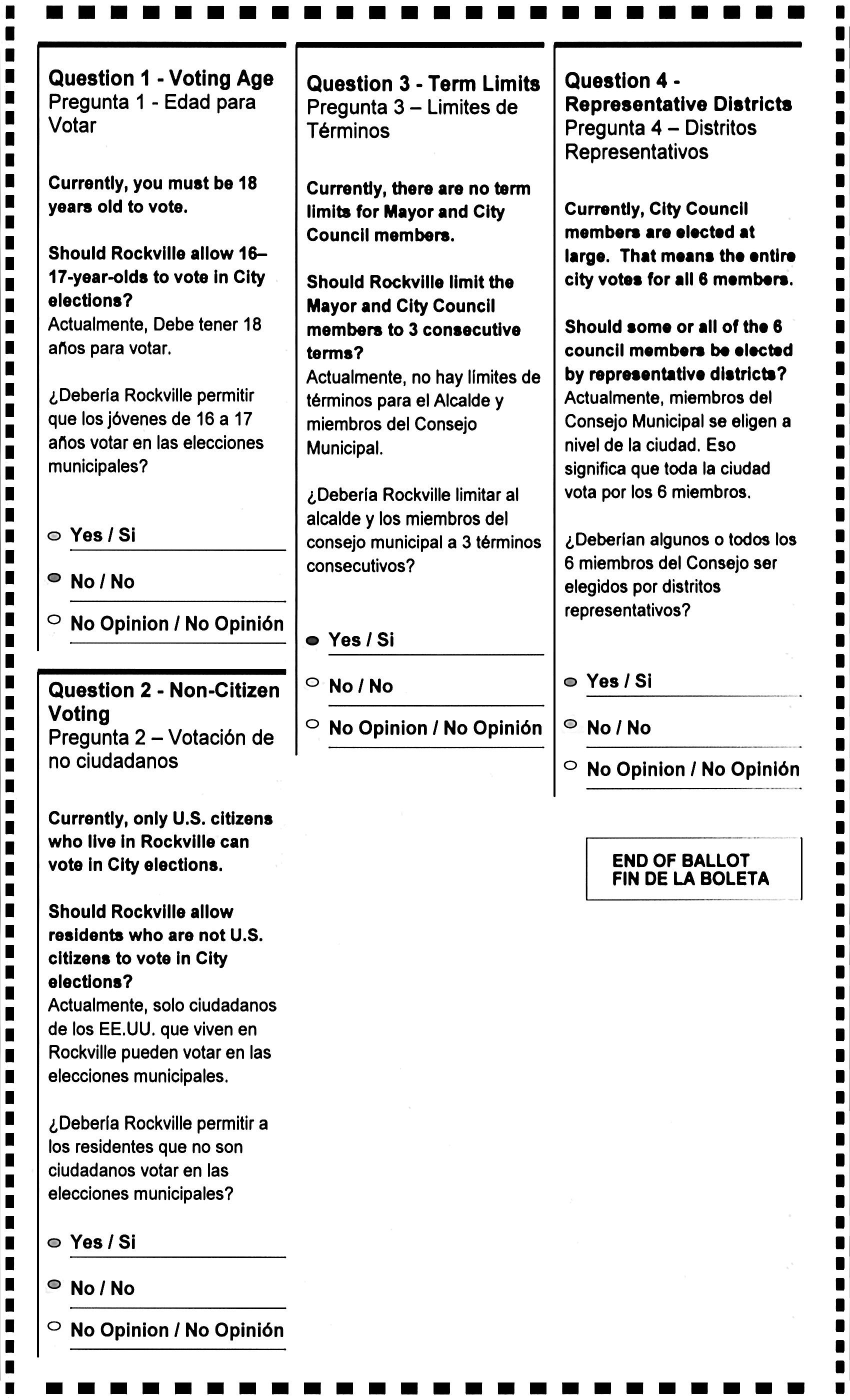
06
Image: 06
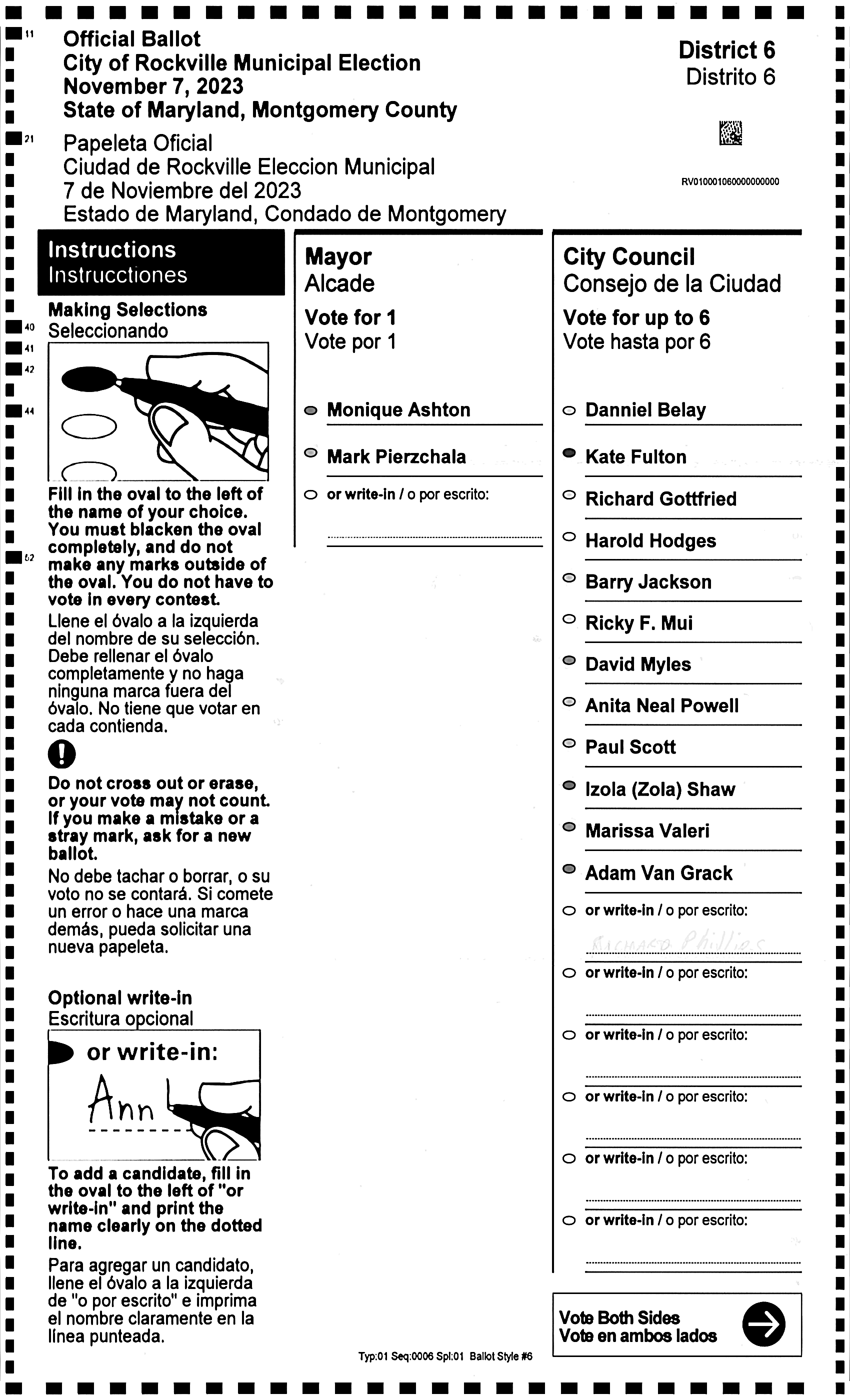
06
Image: 06
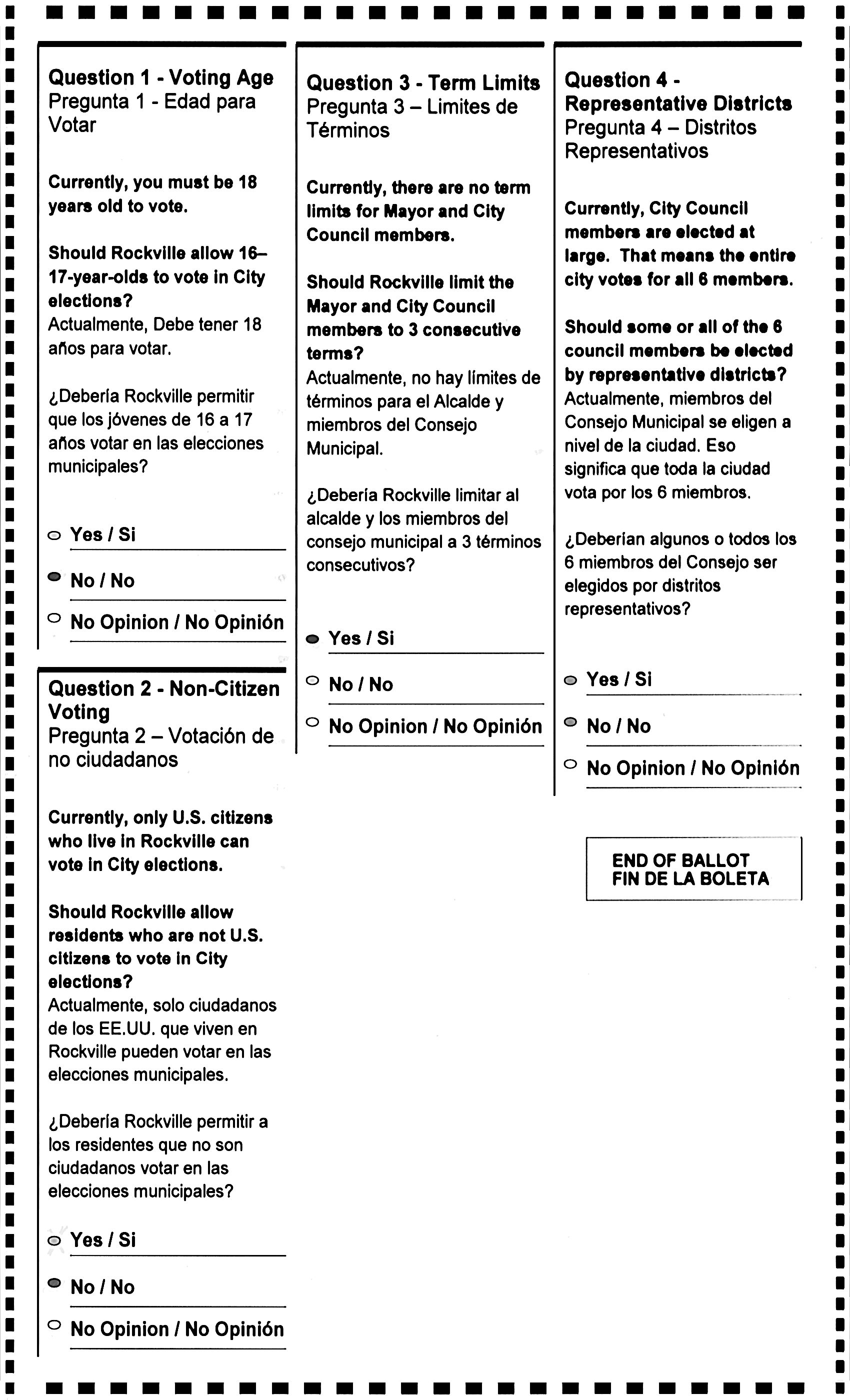
07
Image: 07
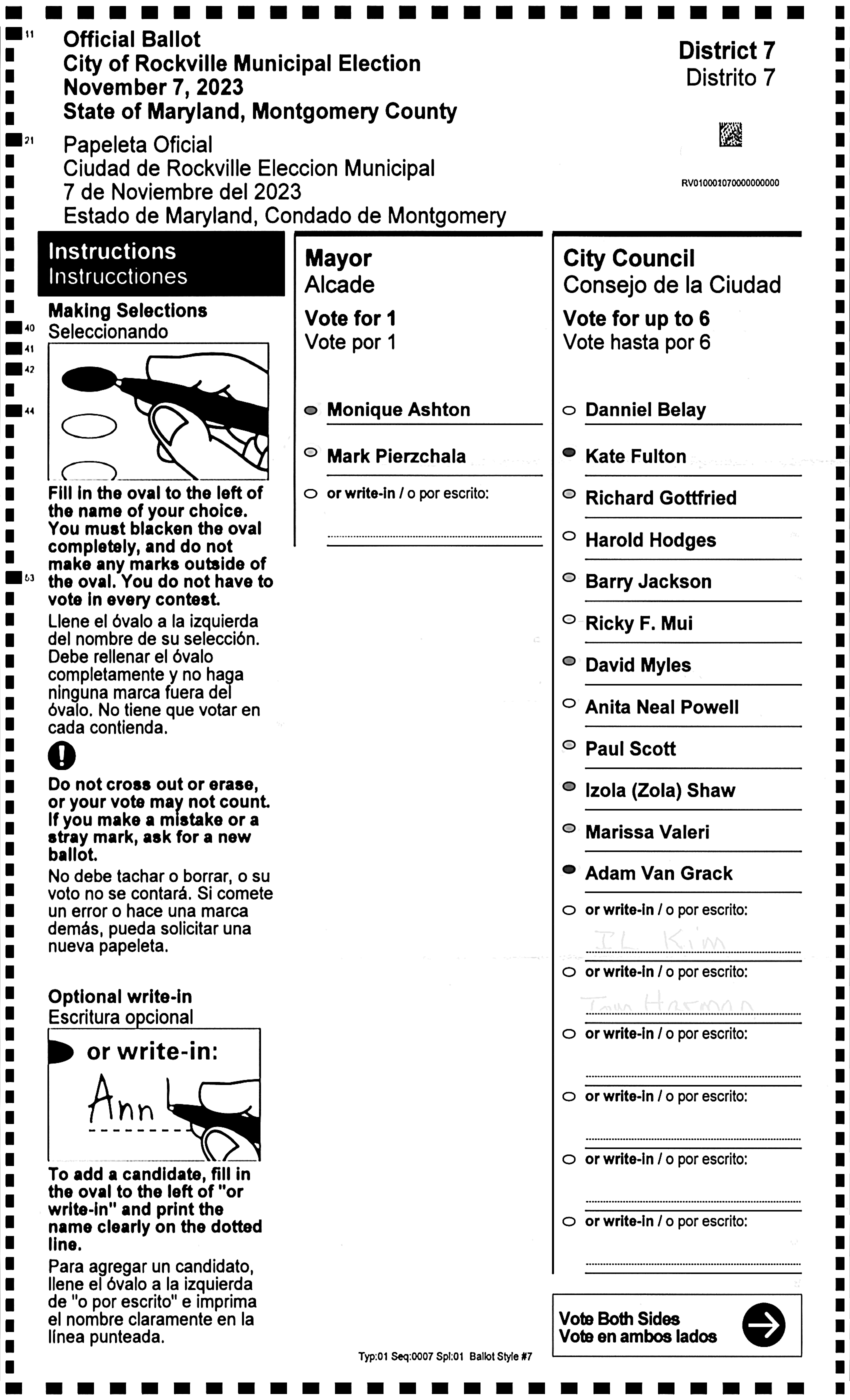
07
Image: 07
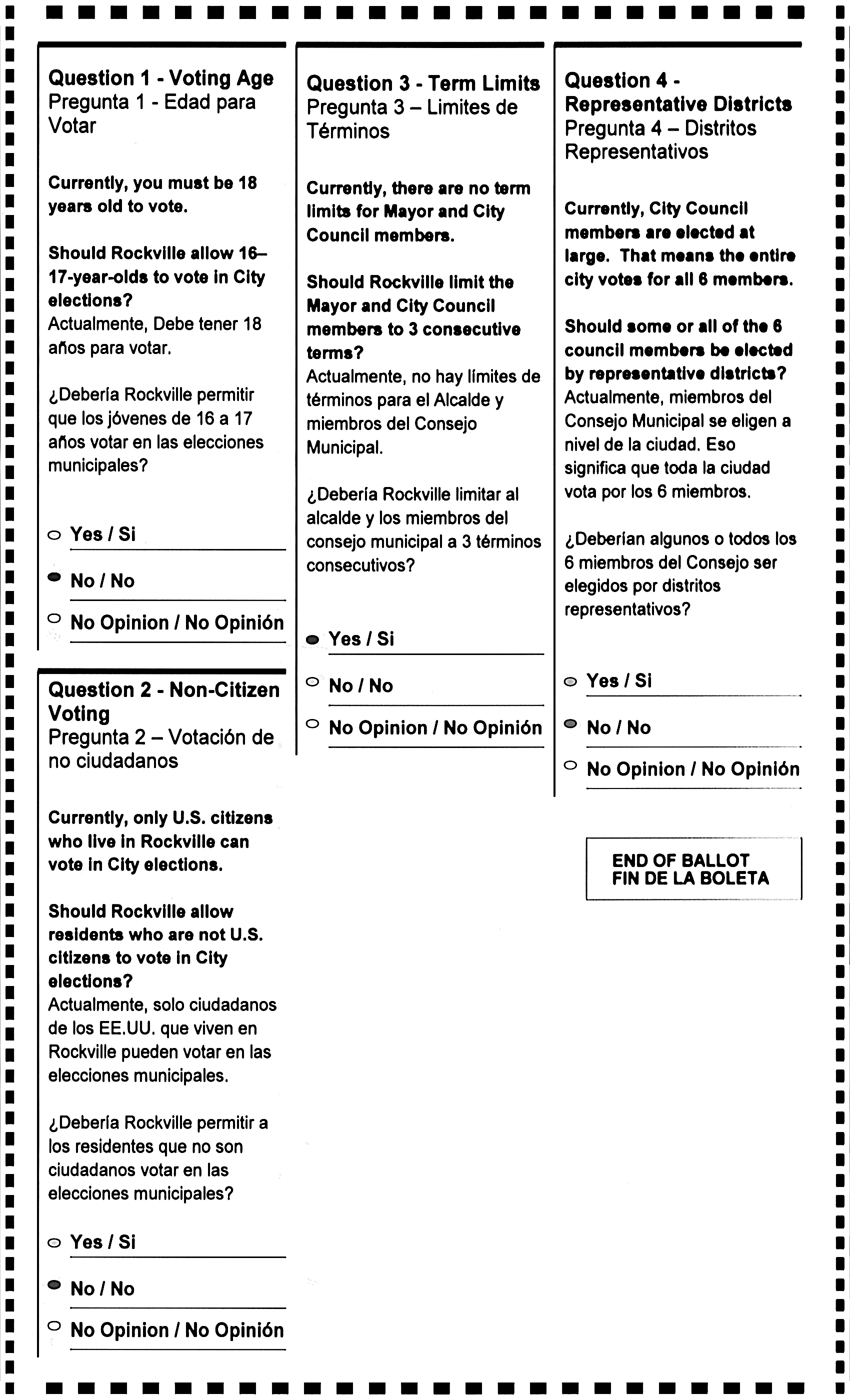
08
Image: 08
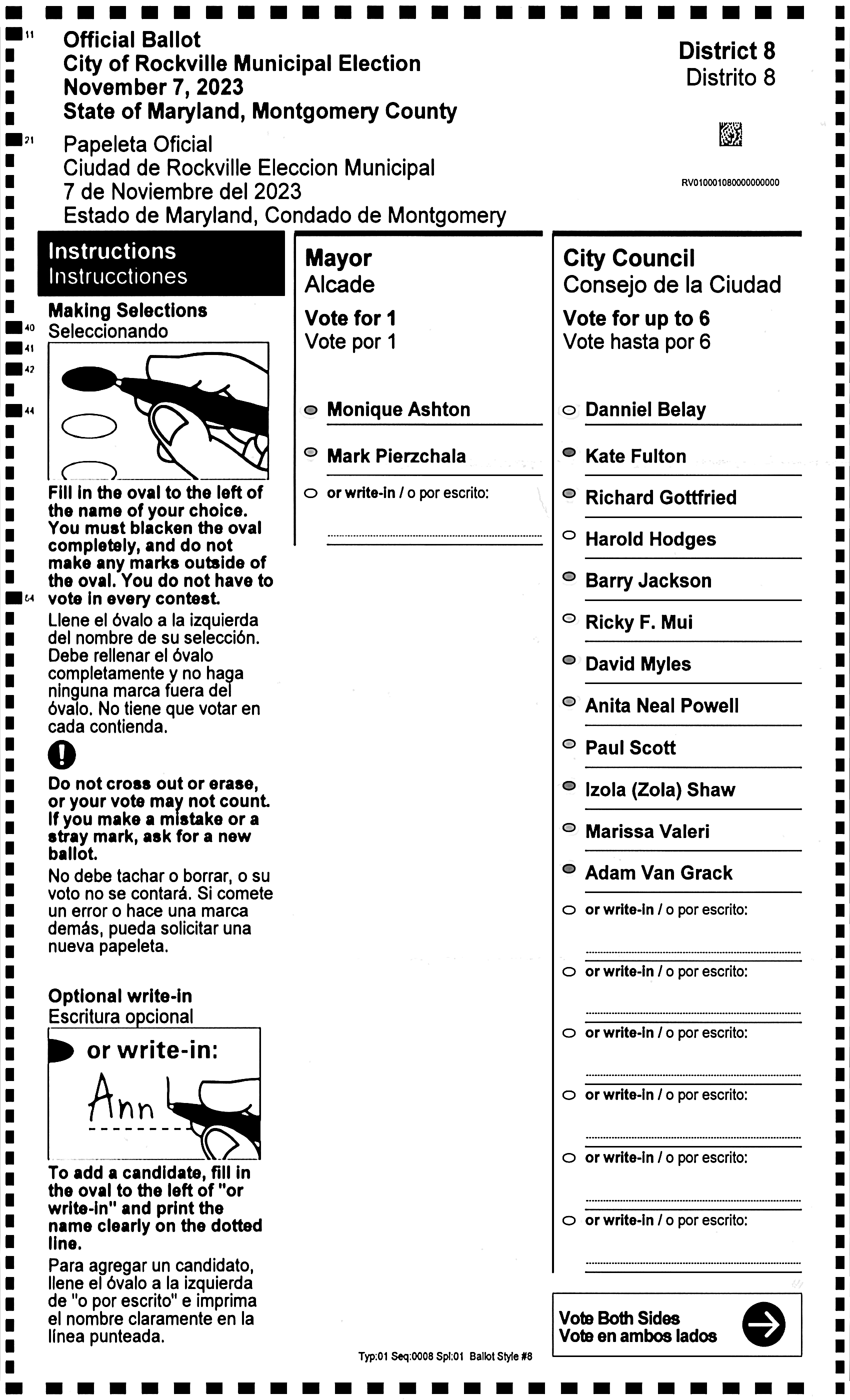
08
Image: 08
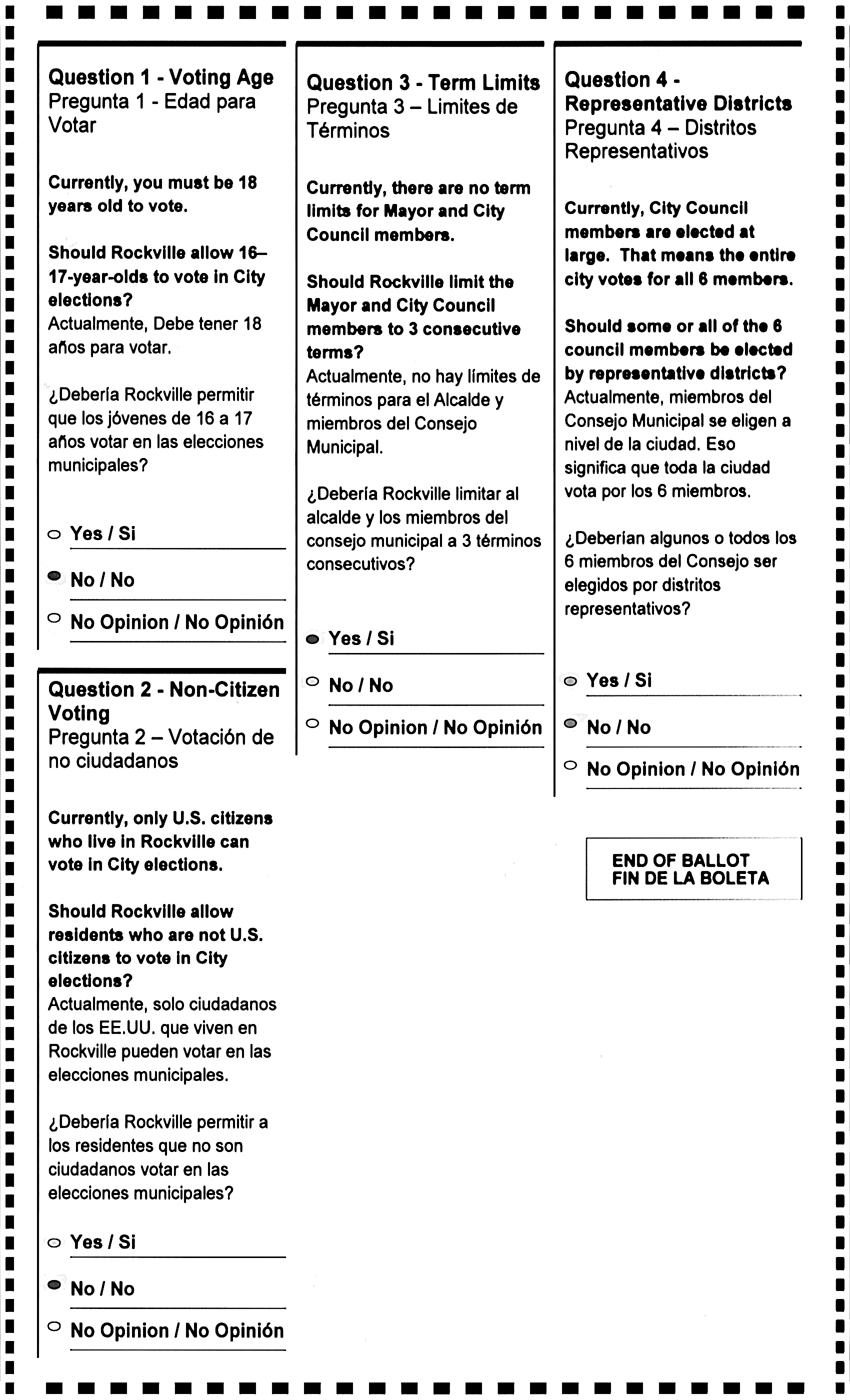
09
Image: 09
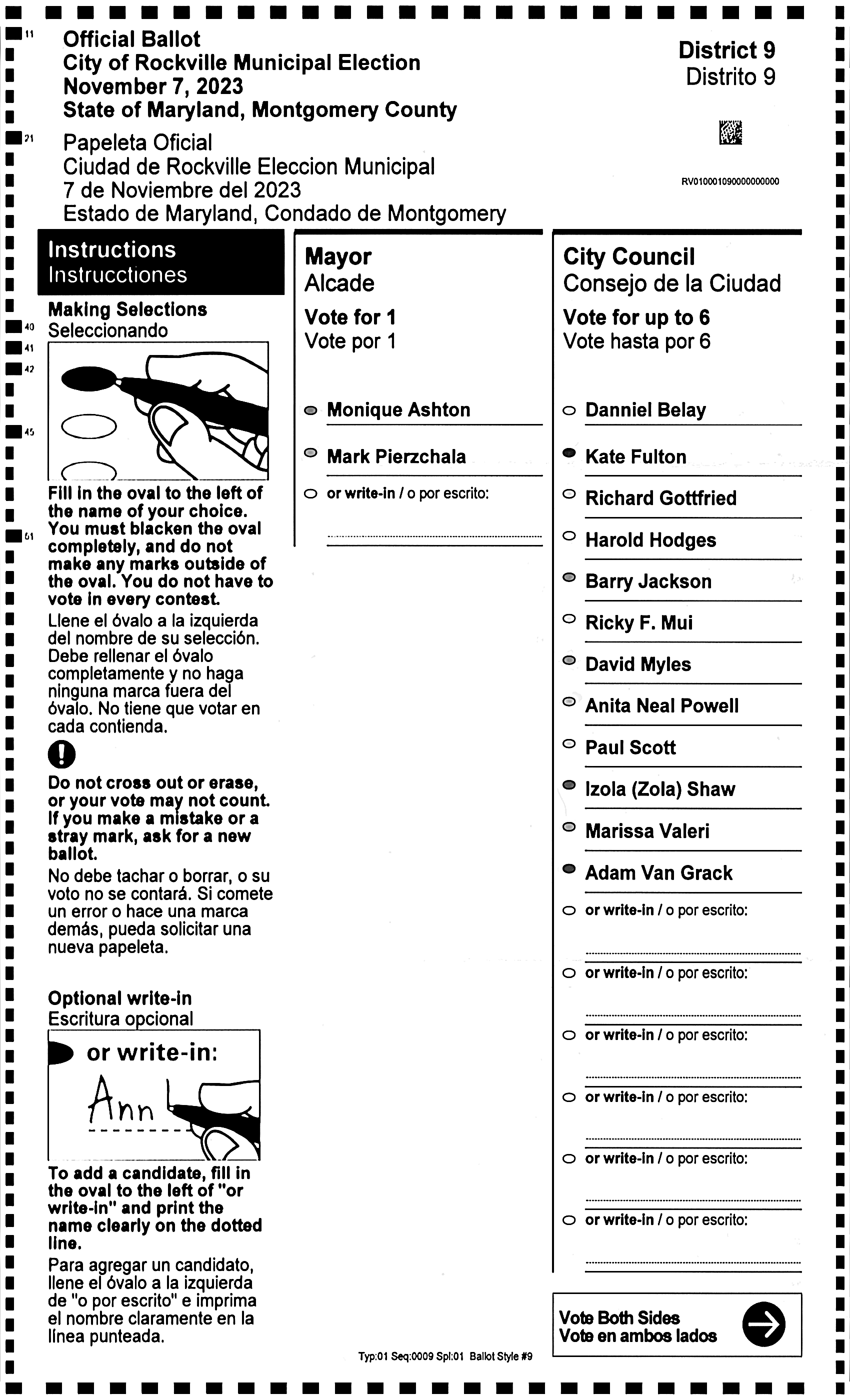
09
Image: 09
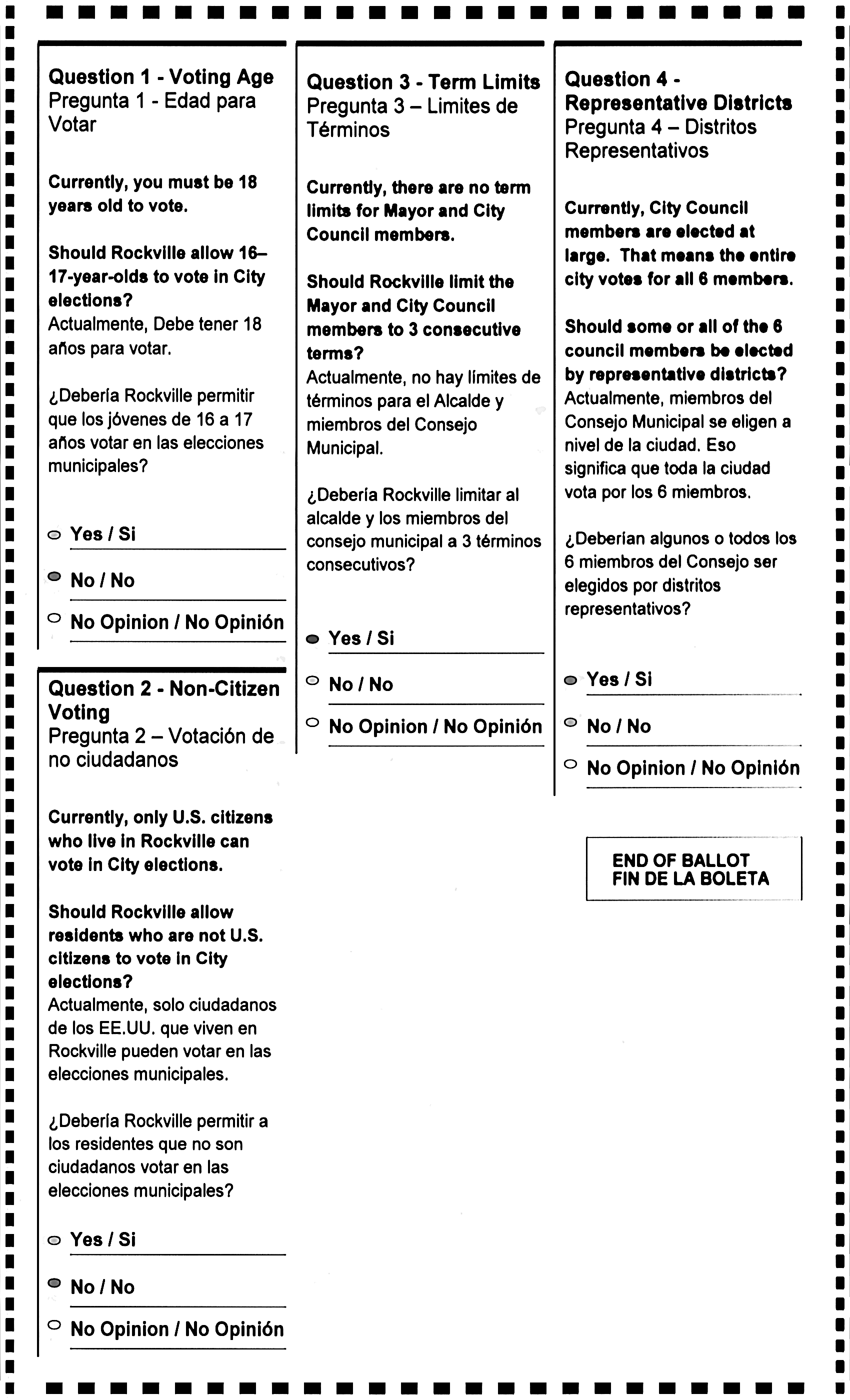
10
Image: 10
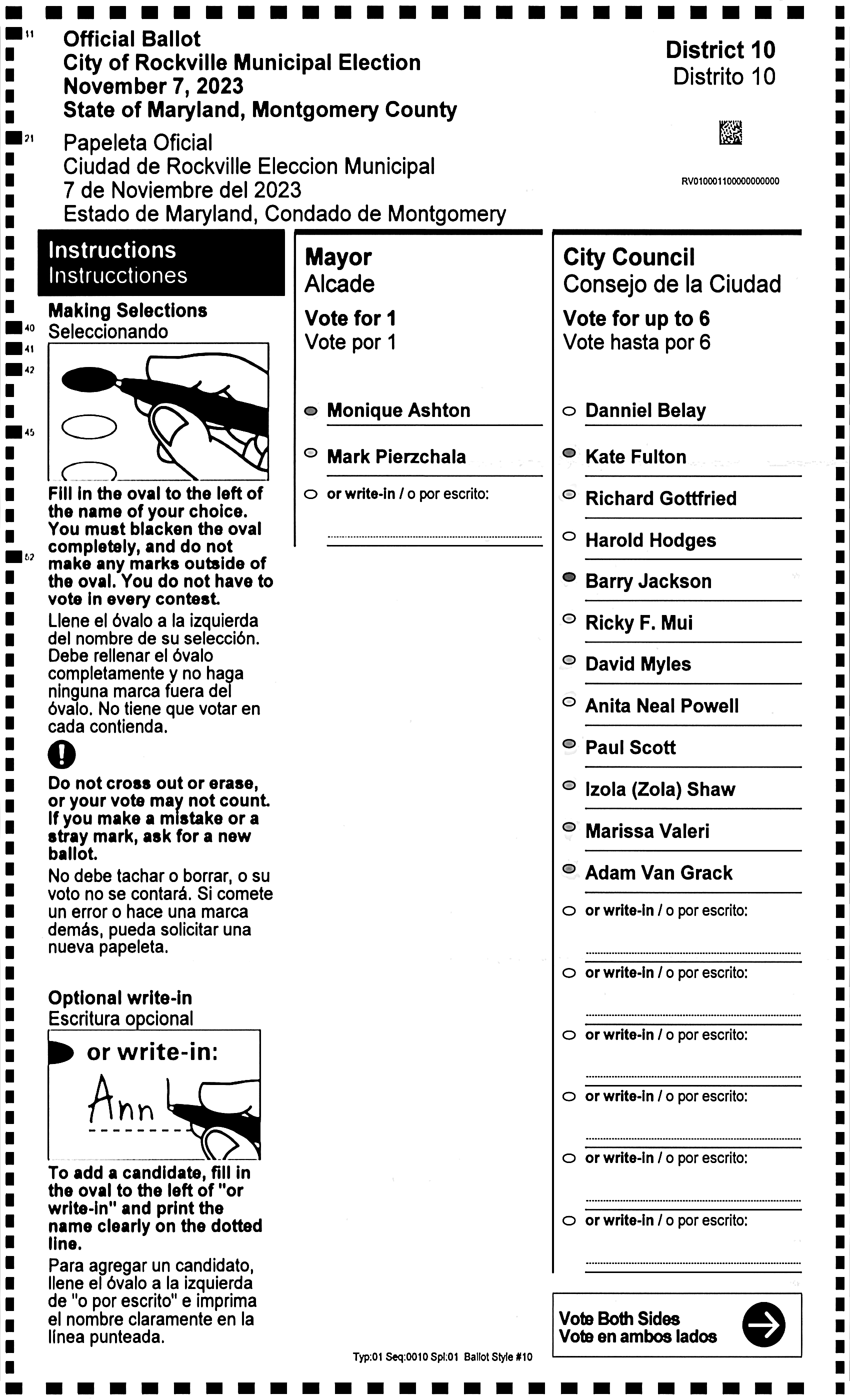
10
Image: 10